Linked Data
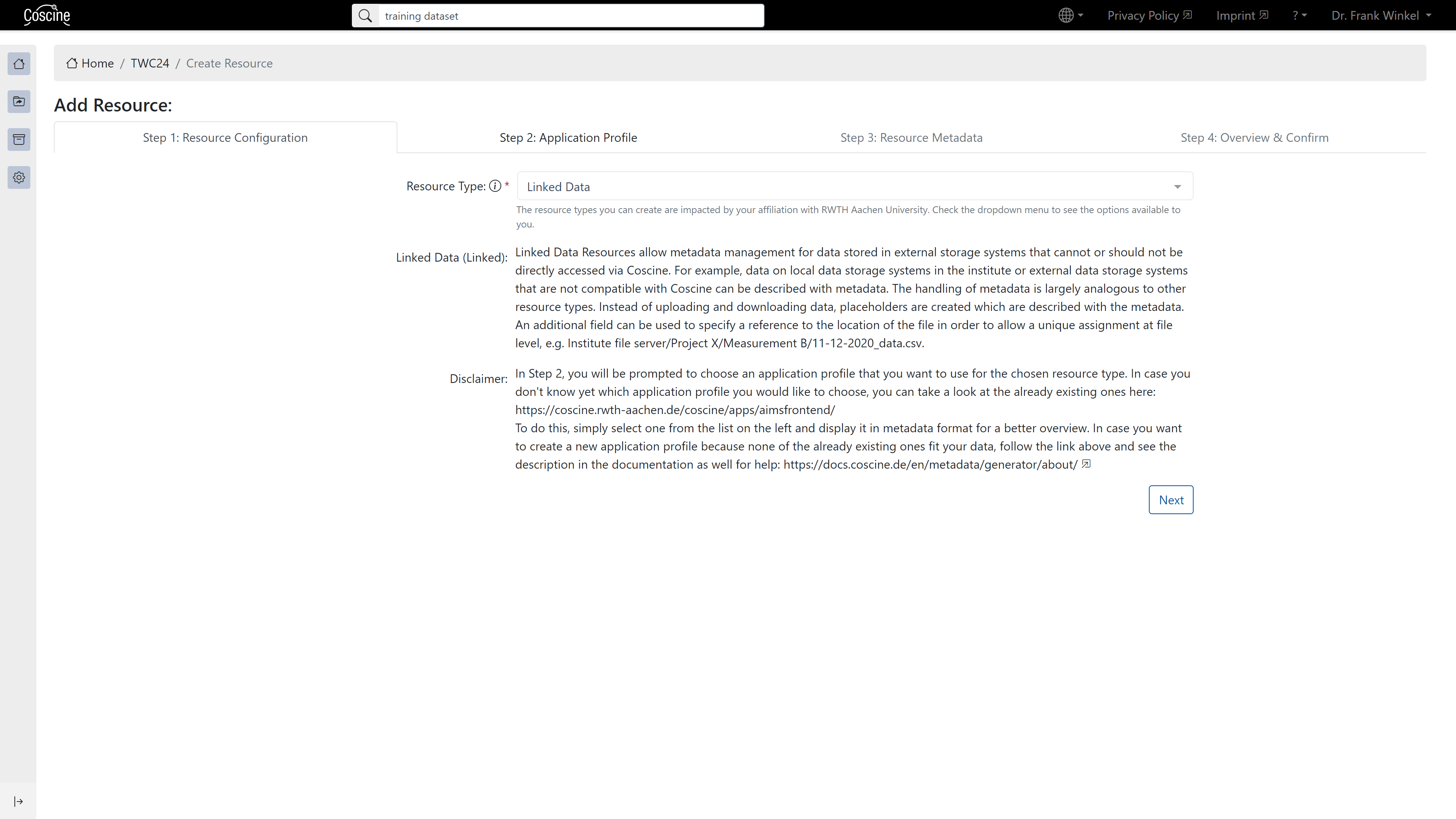
Linked Data makes it possible to manage metadata about files in external systems that are not integrated in Coscine.

Background
- Allows data on external storage platforms to be linked and tagged with metadata
- Advantage: linking of files with metadata in Coscine
- Security and accessibility of data depends on linked external provider
How to use Linked Data
- Select Linked Data when creating a resource in step 1
- Within the resource, use the plus or "New Entry" (see figure below)
- Fill in data (URL & Entry Name) and metadata (see figure below)
- Press storage (see figure below)
Storage space for Linked Data
Since no data is stored (only linked), this resource does not need any storage space.